
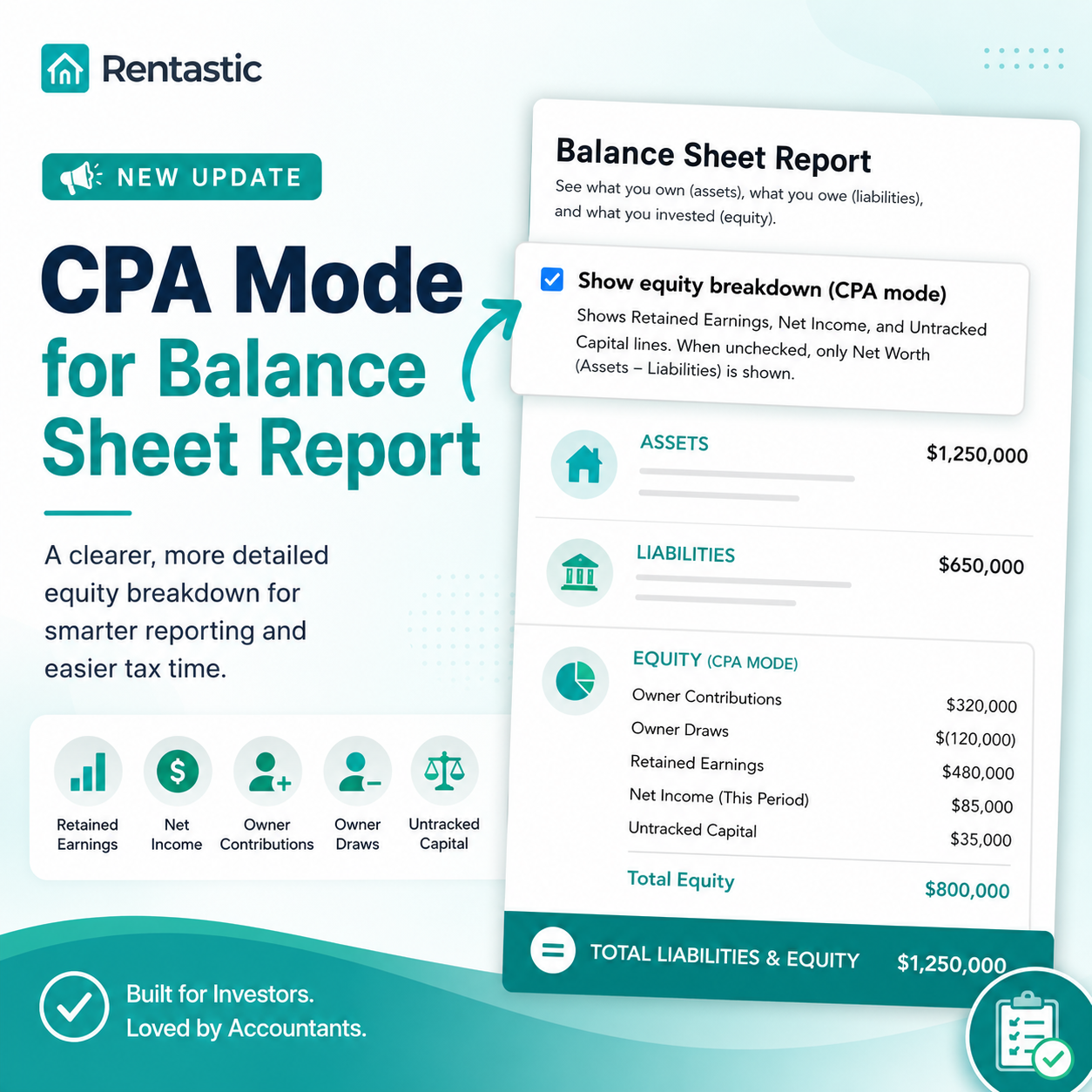
Rentastic's new CPA Mode makes the Balance Sheet Report even more useful by providing a detailed breakdown of your equity. Instead of showing only your total net worth, CPA Mode separates equity into individual categories that accountants and tax professionals commonly use.
When Show equity breakdown (CPA mode) is enabled, your Balance Sheet can display:
If the option is left unchecked, the report continues to show the simpler view with Assets, Liabilities, and Net Worth.
CPA Mode gives you a clearer understanding of how your equity is built over time. It helps distinguish between profits, owner investments, withdrawals, and historical earnings, making your financial reports easier to review and prepare for tax season.
It's especially useful if you:
Whether you prefer a simple balance sheet or a detailed accounting report, Rentastic now gives you both options. CPA Mode provides greater transparency into your equity while keeping reporting flexible for investors of all experience levels.
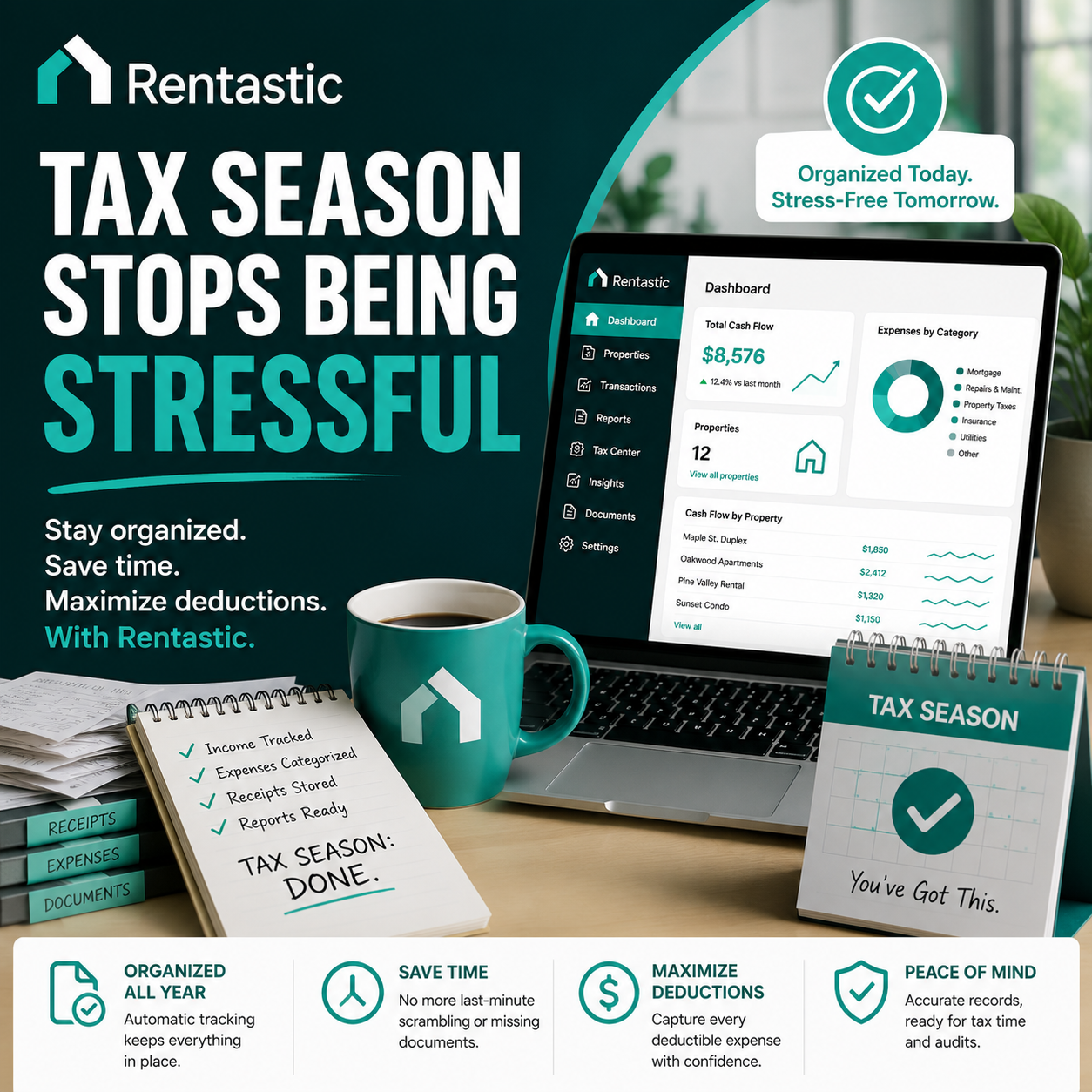
With organized bookkeeping and enhanced reporting, Rentastic helps you stay ready for tax season and better understand the financial health of your rental portfolio.
RECENT POSTS


© 2025 Rentastic
Rentastic is registered as a trademark. Terms and conditions, features, support, pricing, and service options subject to change without notice.






.png)




























.png)





































Comments