
Remote rental income looks simple on a spreadsheet. In real life you juggle leaks, upgrades, permits, and invoices from vendors who barely label their work. The tricky part is not paying for the work. It is tracking repairs and capital improvements in a way that keeps your taxes clean and your cash flow strong.
This is where a system like Rentastic quietly earns its keep. Rentastic is built to help you correctly classify, track, and document rental property expenses so you can stay compliant, use IRS safe harbor rules in your favor, and be ready for tax season without the scramble (Rentastic Blog).
Below you will see how to track repairs and capital improvements year‑round, how rentastic fits into that workflow, and what to do each month so your books are always audit ready.
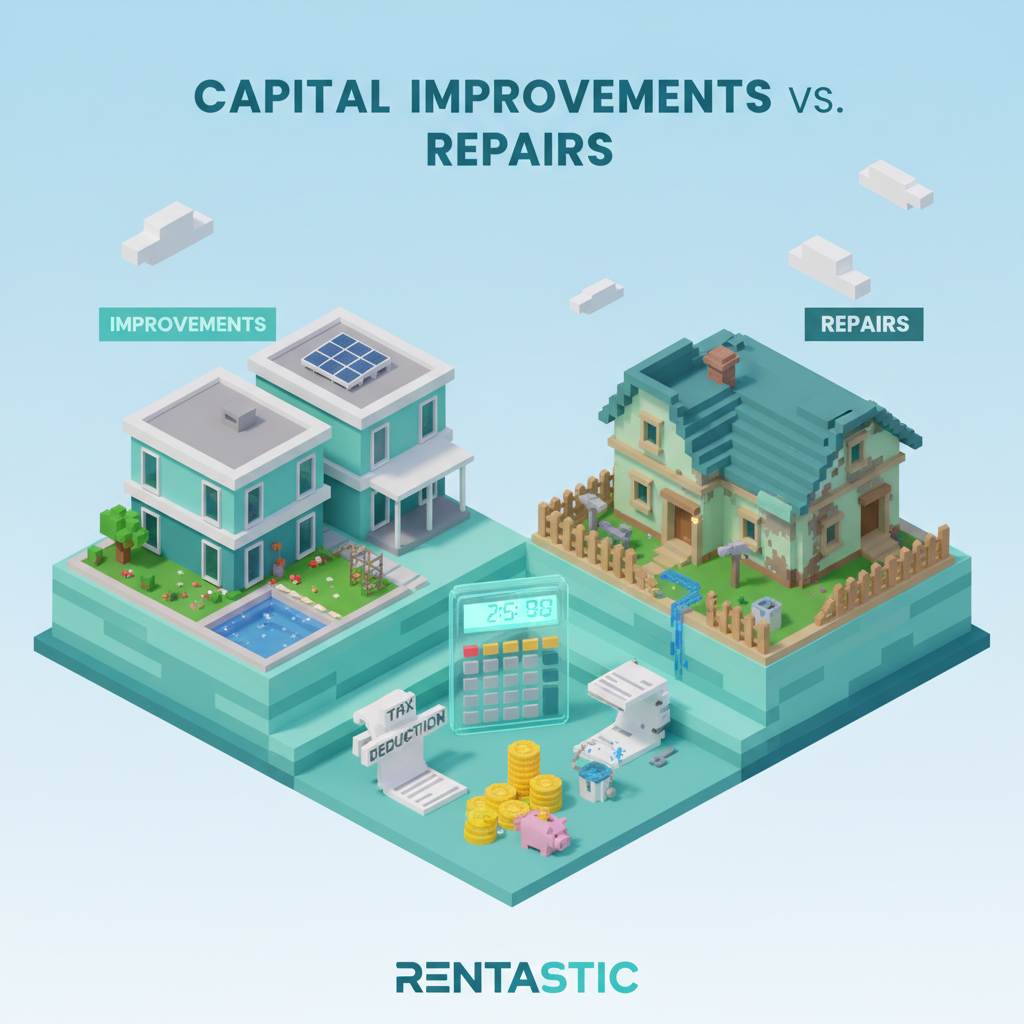
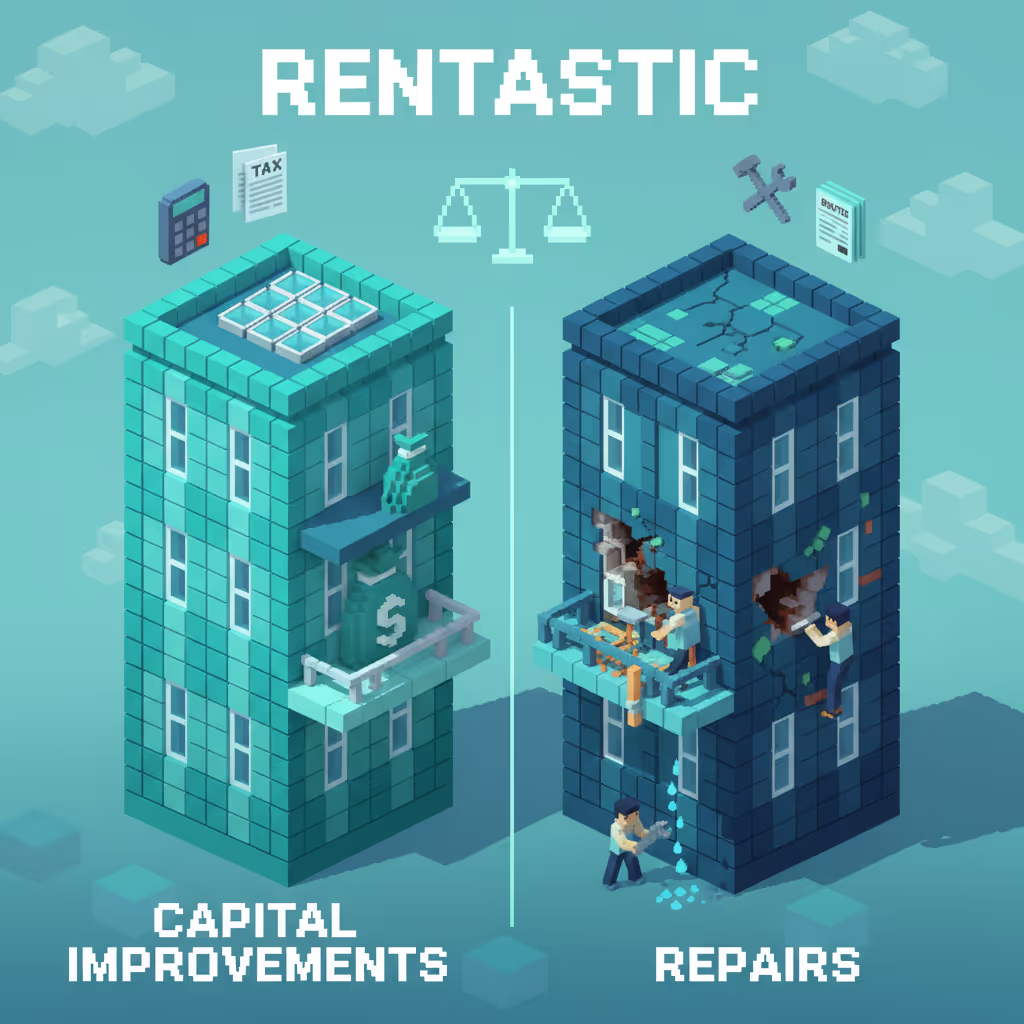
For tax purposes you do not treat every property expense the same. That is why this distinction matters so much.
Repairs are ordinary and necessary costs to keep a property in its current condition. Think patching a roof leak or replacing a broken window. According to Rentastic, these repair expenses are typically deductible in full in the year you incur them if they are ordinary and necessary for your rental activity (Rentastic).
Capital improvements are different. They add value, extend the useful life of the property, or adapt it to a new use. Examples include adding a bedroom, replacing all windows, or doing a full kitchen remodel. For residential rentals, you usually depreciate these improvements over 27.5 years instead of deducting them all at once (Rentastic).
That timing difference shapes your:
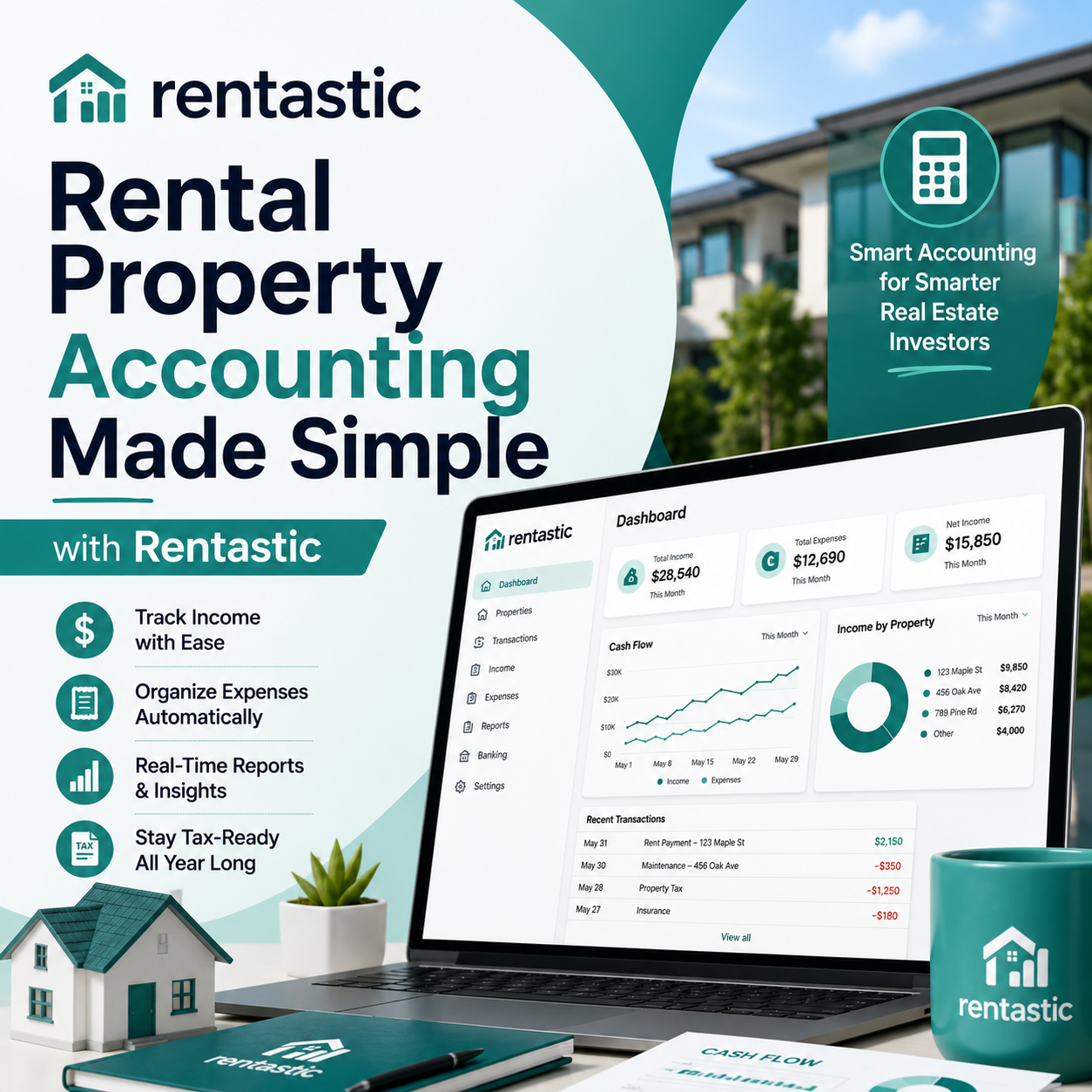
Rentastic is designed to make this classification easier by organizing expenses by property and category, then syncing them with depreciation schedules so you treat each dollar correctly for tax purposes (Rentastic Blog).
You do not need to become a tax attorney. You do need a few clear mental models.
A repair usually:
A capital improvement usually:
Consider a few quick scenarios:
Where things get messy is when a project blends both. Maybe you remodel a bathroom, replace some pipes, patch drywall, and upgrade the electrical panel. You now have one project, multiple vendors, and both repair‑type work and true improvements rolled together.
Rentastic lets you import all transactions from your bank and credit cards, then tag each line item by property, project, and expense type. You can attach invoices and notes so you and your tax pro can later split that single bathroom project into the right mix of repairs versus capital improvements (Rentastic Blog).
The IRS safe harbor rules are some of the most underused tools in a landlord’s toolkit. They can let you treat more costs as current year deductions instead of depreciating them slowly, if you qualify and if your records are solid.
Rentastic highlights three key safe harbors that matter for you and helps you track expenses in a way that supports their use (Rentastic).
This rule may allow certain landlords with relatively small buildings and modest expenses to deduct amounts that might otherwise look like improvements. The details depend on factors like the building’s unadjusted basis and total annual repair and improvement costs, so you want both good records and CPA guidance.
Rentastic keeps those records in one place by:
That makes it far easier for your tax pro to see whether your spending fits within the Safe Harbor for Small Taxpayers limits and to document that conclusion for your file (Rentastic).
The De Minimis Safe Harbor lets you deduct certain small dollar assets in the year you buy them, instead of capitalizing and depreciating them. Rentastic notes that this rule can apply to individual items up to 2,500 dollars per invoice or per item if you do not have applicable financial statements (Rentastic).
If you buy a new appliance, a lock set, or a small fixture, this safe harbor can simplify things. The key is clear records of what you bought and what it cost.
Rentastic supports this by storing item descriptions and invoice images with each transaction. When you or your CPA review your books, you can quickly pick out expenses that are good candidates for the De Minimis Safe Harbor and confidently deduct them in the current year.
Some work looks big on a single invoice but is really just regular upkeep. With the Routine Maintenance Safe Harbor you may be able to deduct recurring maintenance that you expect to perform more than once over the property’s life, like periodic HVAC servicing or gutter cleaning.
Rentastic is designed with this kind of recurring work in mind. It keeps clear categories for routine maintenance and helps you track patterns in your spending. Annual HVAC service, for example, can be logged under a consistent category and property each year, which supports your use of the Routine Maintenance Safe Harbor (Rentastic Blog).
The biggest mistake is waiting for tax season to sort everything out. By then you are working off memory, missing receipts, and vague bank descriptions. Instead, you want a light, repeatable monthly process.
Here is a simple five step workflow that fits how rentastic works in the background.
First you pull all money movements into one system, then you never chase a random charge again.
Rentastic automates the import of your bank and credit card transactions, then tags them to specific properties. This cuts manual data entry and reduces the chance you miss an expense entirely (Rentastic).
Once a week or once a month, open your feed and scan new items. Confirm which property each item belongs to and assign a clear category such as repair, maintenance, or improvement. Consistency here is what later makes your profit and loss reports clean and easy to read.
An expense without context is hard to classify. A 1,800 dollar charge from “ABC Plumbing” could be a small repair, a full system replacement, or part of a wider remodel.
Rentastic lets you attach invoices, photos, and detailed notes to each transaction. You can write a quick line like “Unit 3, replaced broken kitchen faucet” or “Building wide, new copper supply lines as part of plumbing upgrade project” and upload the supporting paperwork (Rentastic).
Those details become your digital paper trail. If the IRS ever asks you to substantiate your deductions, you are not digging through old email chains or file boxes.
Many landlords track expenses only by category. You will get much better insight if you also track by property and project.
Rentastic is designed specifically for that dual view. You can:
This structure is powerful when you tackle multi invoice projects like adding a bathroom or doing a major remodel. Rentastic lets you document every invoice, tag them to the same project, and keep the entire story of that improvement in one digital folder (Rentastic Blog).
Even with automation, misclassifications creep in. A vendor might bill two units on one invoice, or a property manager might code something loosely in their system.
Rentastic encourages you to do monthly reconciliation, where you match transactions in the platform against bank and property manager statements. This habit helps you catch errors early and avoid losing money in unclaimed deductions.
Rentastic estimates that landlords can miss 600 to 1,200 dollars per year in deductions through small misclassifications and missing entries. Monthly reconciliation with the platform reduces that risk by surfacing mismatches and gaps while they are still easy to fix (Rentastic).
As you identify true improvements, you want them set up for depreciation automatically, not left in a spreadsheet that you forget to update.
Rentastic syncs improvement records with invoices, then automates depreciation schedules for residential rental properties, usually over 27.5 years. This keeps your balance sheet current and saves you from hand building schedules in Excel (Rentastic Blog).
You or your CPA can then review and confirm these schedules, but the heavy lifting is already done. That means fewer errors and more consistent reporting year after year.
Once your data is clean and organized, reports stop being a chore and become a tool.
Rentastic automatically generates tax‑ready profit and loss statements that line up with IRS Schedule E categories. You can filter by property and date range, which is especially helpful if you are buying, selling, or refinancing mid year (Rentastic Blog).
Those reports help you:
If you work with a CPA, clean rentastic reports mean fewer back and forth emails and lower prep costs. Your CPA receives categorized, documented expenses with attached invoices and notes instead of a raw bank download.
Good tracking does more than protect you at tax time. It also lets you plan capital improvements in a way that supports your long term strategy.
Rentastic enables you to see the full history of improvements and maintenance at each property. You can track when big systems like roofs, HVAC units, or windows were last replaced, how much you invested, and how those items are depreciating over time (Rentastic Blog).
That visibility helps you:
Rentastic frames depreciation as more than a compliance task. By tying invoices, projects, and schedules together in one place, the platform helps you use depreciation as a tool to improve your after tax returns over the life of each property (Rentastic Blog).
If you manage rentals part time or at scale, the admin load can quietly take over your week. Emailing receipts to your accountant, chasing missing invoices, and rebuilding last year’s story from memory all cost time.
Rentastic is built to cut that time dramatically. The platform:
Rentastic reports that landlords who consolidate their records this way can reduce administrative time by up to 40 percent, while also improving audit readiness (Rentastic). That means you get more time to focus on deals, tenants, and strategy, not paperwork.
You do not need to overhaul your entire portfolio in a weekend. The guidance from Rentastic is to start with one property, set up the right tracking structure there, and then copy that pattern across the rest of your units (Rentastic).
Pick a property that has a mix of routine maintenance and at least one recent improvement. In Rentastic you can:
Once that feels smooth, you can add your next property and repeat. Over time you will build a consistent, portfolio wide process for tracking repairs and capital improvements that does not depend on you remembering every detail.
Rentastic also encourages you to pair the platform with ongoing advice from a real estate focused CPA or EA. The combination of clean, year‑round records in Rentastic and professional judgment on complex questions is what lets you maximize legal deductions and avoid avoidable tax problems (Rentastic).
When you track repairs and capital improvements the smart way, you are not just getting ready for tax season. You are building a clear, accurate story of each property, one invoice at a time.
Rentastic helps you:
If you are ready to simplify your recordkeeping and feel more in control of your rental numbers, start by setting up one property inside Rentastic. Let the platform handle the tracking and paperwork so you can focus on buying well, operating efficiently, and growing your portfolio on purpose.
RECENT POSTS


© 2025 Rentastic
Rentastic is registered as a trademark. Terms and conditions, features, support, pricing, and service options subject to change without notice.












.png)
































.png)






























Comments