

Nearly every landlord starts rental tracking in the same place: a spreadsheet. It feels flexible, cheap, and familiar. Then a few properties, a couple of bank accounts, and one tough tax season later, you begin wondering if there is a better way to manage real estate finances without living inside rows and columns.
If you are looking for the best real estate tracker of 2026, you are likely deciding between staying with spreadsheets or moving to a dedicated tool like Rentastic. This guide walks you through that choice in plain language so you can see exactly what you gain, what you give up, and where each option makes sense.
Before you compare Rentastic and spreadsheets, it helps to get clear on what “good” looks like for rental property tracking. Whether you have one unit or fifty, you want a system that:
Spreadsheets can do some of this if you build them carefully. A purpose built platform like Rentastic is designed to do all of it out of the box.
Spreadsheets are often your first tool because you already have them. You can create tabs for each property, drop in formulas, and control every cell. For a single property, this might be enough.
You can list rent payments line by line, type in expenses from your bank statement, and create a simple profit and loss summary once a month. If you like tinkering with formulas and pivot tables, you can even build basic dashboards.
The trouble starts when you move from “side project” to “real portfolio.” More units, more tenants, and more banks mean more manual work, more tabs, and more chances to miss a payment or mis-type a number. What felt simple begins to feel fragile.
Spreadsheets are powerful, but they are not forgiving. A single wrong formula or copy and paste can distort your numbers for months before you notice. If you are tracking rental income and expenses manually, you are also relying on your own discipline after long days of dealing with tenants, repairs, and leasing.
You might recognize a few of these pain points:
You spend hours each week typing in transactions from bank statements, Venmo, or Zelle.
You chase down paper receipts in shoeboxes, email, or glove compartments before meeting your tax preparer.
You are never quite sure if every rent payment is logged or if you missed one that posted late at night.
Over time, each new property adds more friction. Many investors reach a tipping point where spreadsheets turn into a risk, not just a hassle. That is the moment when specialized tools begin to make sense.
Rentastic is a rental property tracking platform created specifically for landlords, property managers, and real estate investors. Instead of you typing everything into a grid, the software connects directly to your bank accounts and automates the boring work.
Rentastic links to your checking and savings accounts through Plaid, a secure banking integration that does not store your usernames or passwords, and then automatically pulls in rental income and expenses as they post (Rentastic Blog). You see each transaction in one place without logging into multiple bank portals or exporting CSV files.
From there, the platform auto categorizes common items like mortgages, utilities, repairs, and management fees by syncing with your bank feeds (Rentastic Blog). You can adjust categories once, save rules, and let the system handle similar charges in the future.
The result is a live view of your rental finances that updates for you instead of relying on a weekly data entry marathon.
The biggest difference between spreadsheets and Rentastic is automation. With a spreadsheet, every step is manual. You log in to each bank, download statements, paste transactions into your workbook, tag each one, then check formulas.
Rentastic flips this model:
Users who link their bank accounts to Rentastic report spending 30 percent less time on accounting compared to manual spreadsheet methods, based on a 2024 study from the platform itself (Rentastic Blog). If you currently block entire evenings to “catch up the books,” that time savings is not just convenient, it is meaningful.
Every manual step in your spreadsheet process is a chance for something to go wrong. A transposed number, a missing row, or a broken formula can make you under report income or overstate expenses. The more data you juggle, the harder it is to spot small mistakes.
Rentastic reduces these fragile points in a few ways:
According to Rentastic data, users have cut manual data entry by up to 40 percent and reduced reconciliation time by 50 percent compared to spreadsheet based bookkeeping (Rentastic). Fewer manual touches directly translate into fewer opportunities for silent errors.
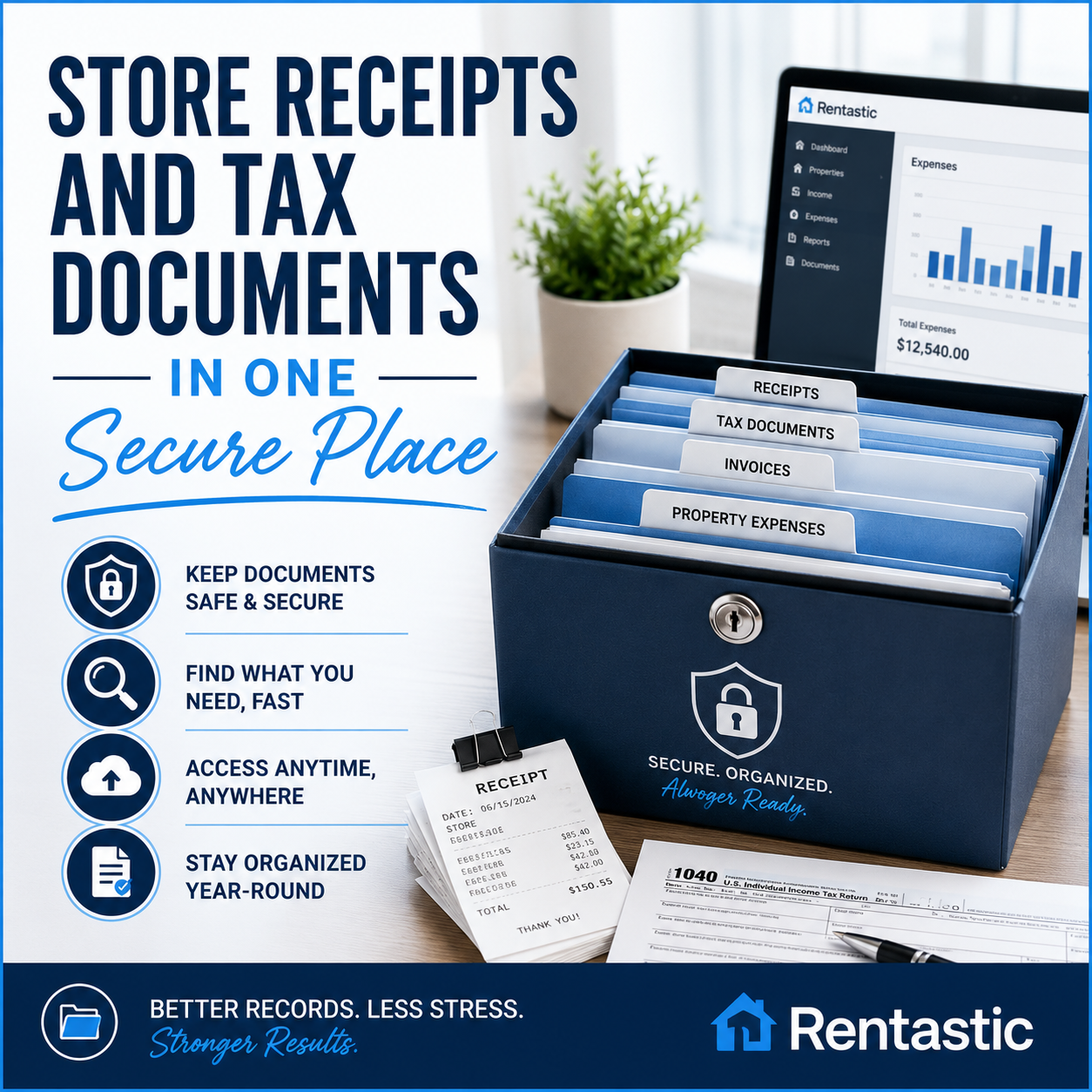
Spreadsheets can show numbers, but they do not store proof. You need separate folders, email searches, or physical envelopes to keep receipts together. When your accountant or the IRS asks for documentation, you scramble across apps, drawers, and photo albums.
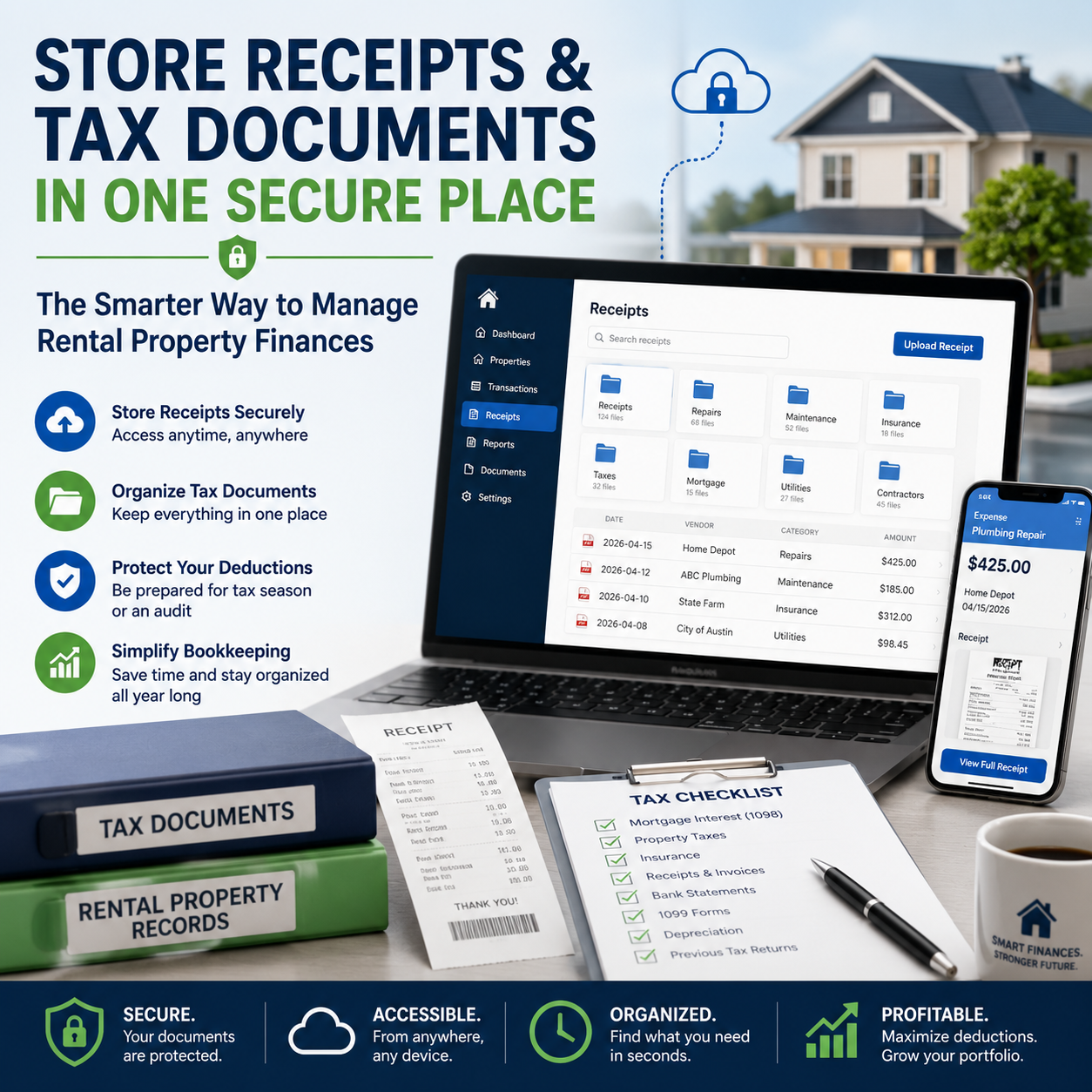
Rentastic lets you manage receipts inside the same system you use for tracking:
For landlords and investors, this all in one record keeping can turn a chaotic March into a straightforward, repeatable process. Your spreadsheet might know that you spent 420 dollars on plumbing, but Rentastic can show when, where, and provide the actual invoice in two clicks.
If you have ever copied a spreadsheet dashboard and watched your charts break, you know that reporting in Excel or Sheets is fragile. It is powerful, but it depends on formulas you built yourself. If you are not an Excel power user, small changes can have big consequences.
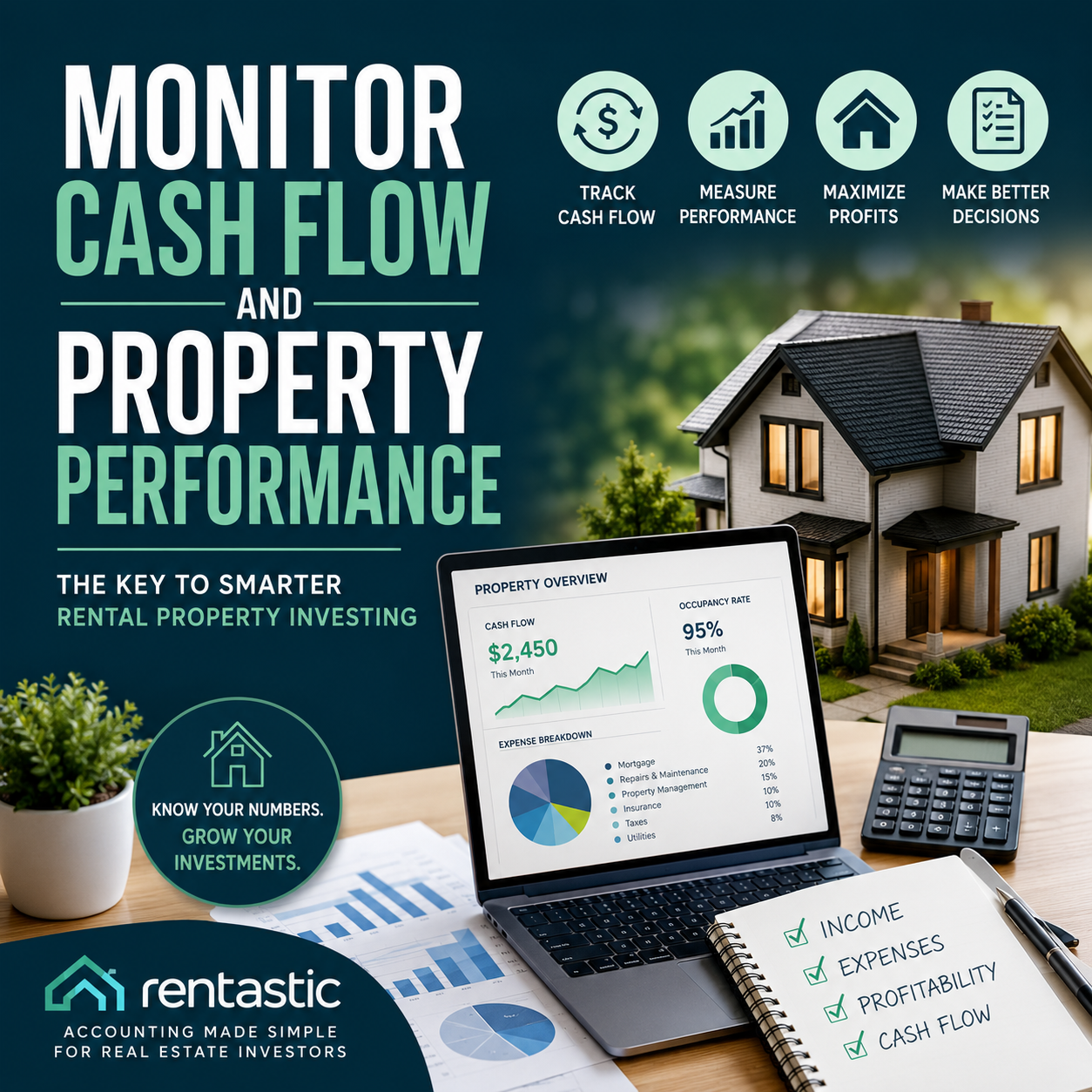
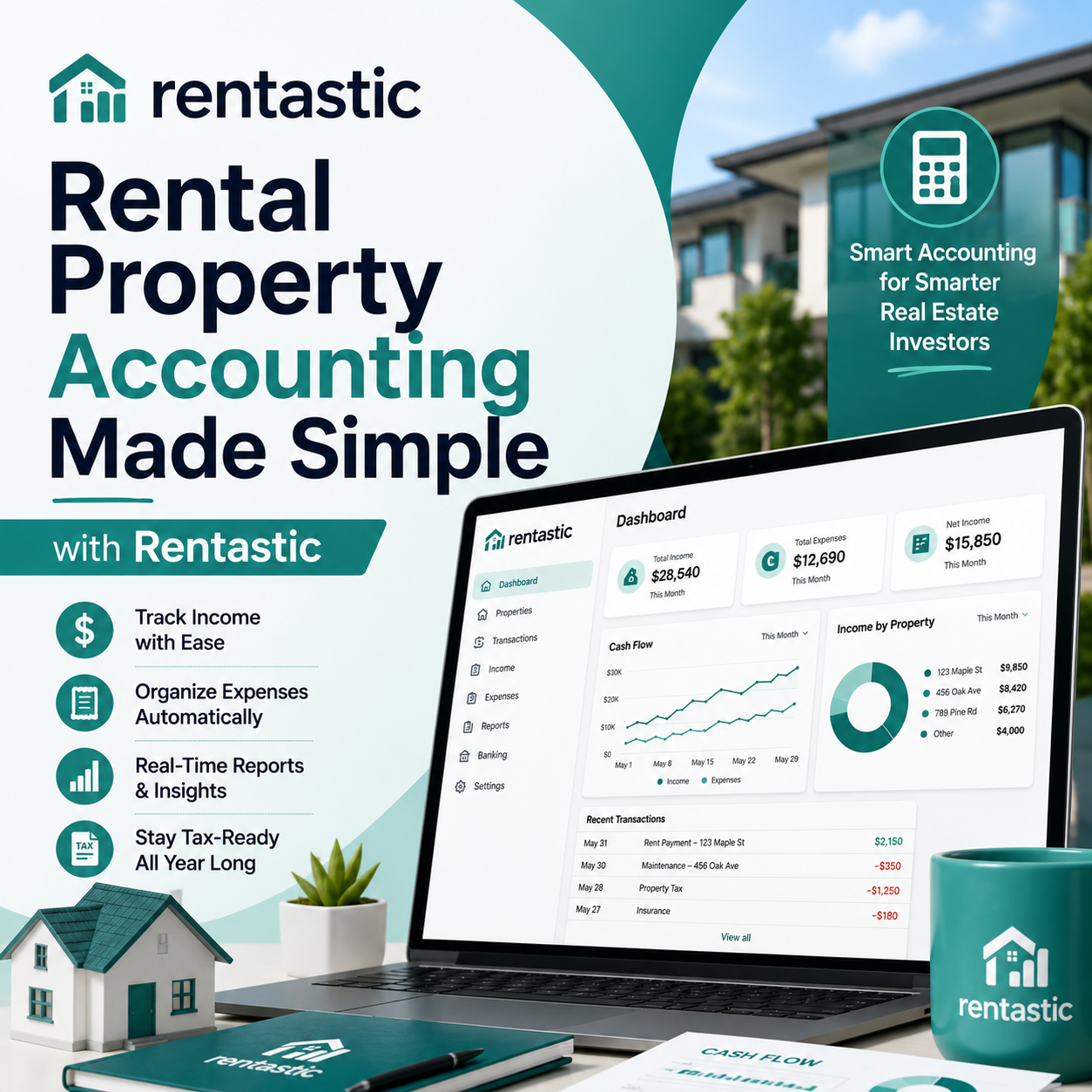
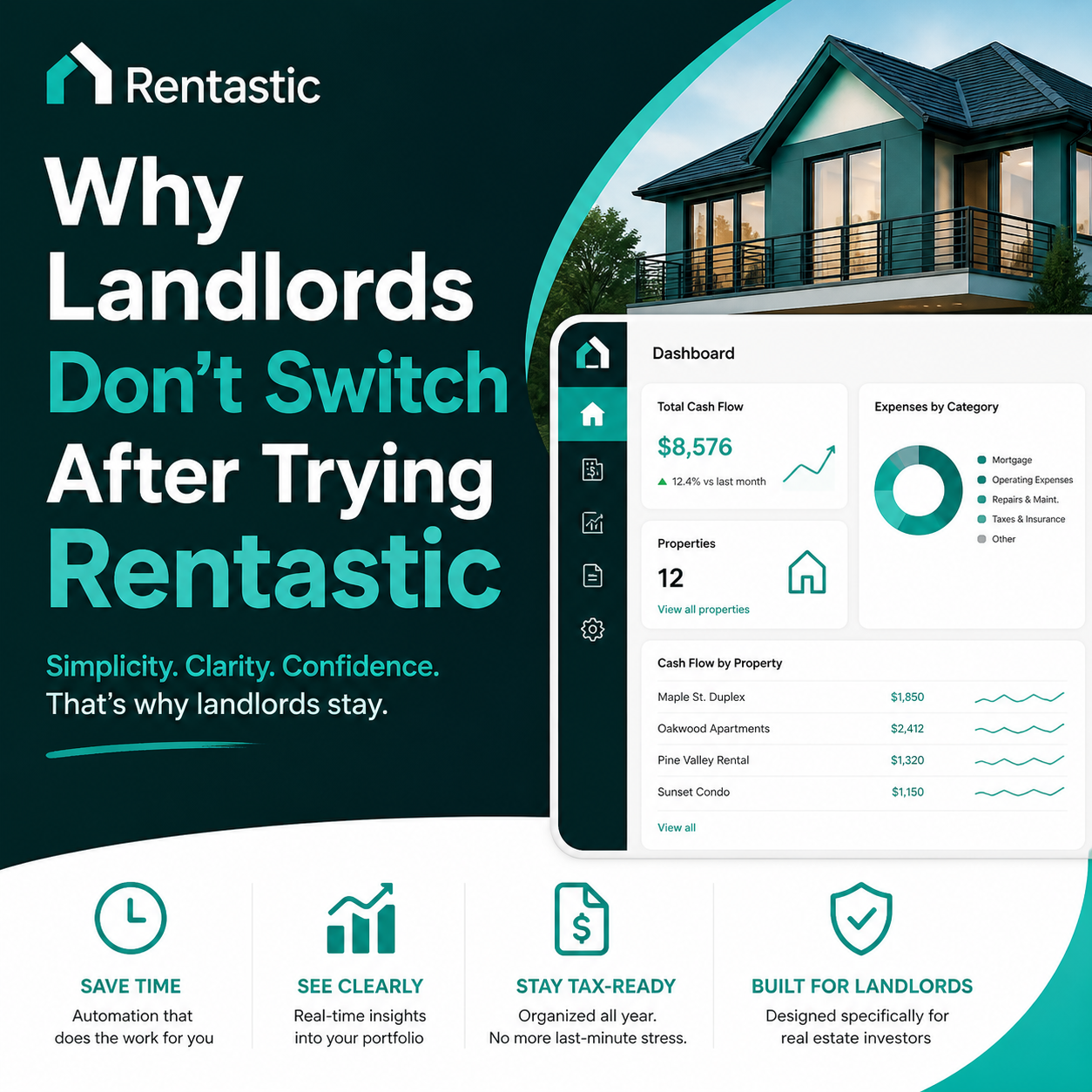
Rentastic is designed to show you the story of your portfolio without you building graphs from scratch. The user friendly dashboard displays income, expenses, occupancy, and performance trends in simple visual form (rentastic.io). You can see how each property is doing at a glance instead of guessing from a dense table of numbers.
Customizable dashboards and scheduled email reports keep key financial metrics in front of you, without having to log in daily or maintain complex spreadsheets (Rentastic Blog). This is especially helpful if you manage properties for others and need to share updates in a clean, consistent format.
Spreadsheets are always a step behind. They only update when you do. If a tenant pays late or a large repair hits your account, you will not see the impact until your next manual update.
Rentastic operates much closer to real time. The platform:
This shift from “looking backward” in a spreadsheet to “seeing live” in a dedicated platform helps you manage cash flow instead of reacting to it.
When you rely on spreadsheets, every new report request means custom work. If your lender asks for property level profit and loss, or a partner wants to see cash flow for a specific building, you might spend a weekend tailoring tabs and cleaning formulas.
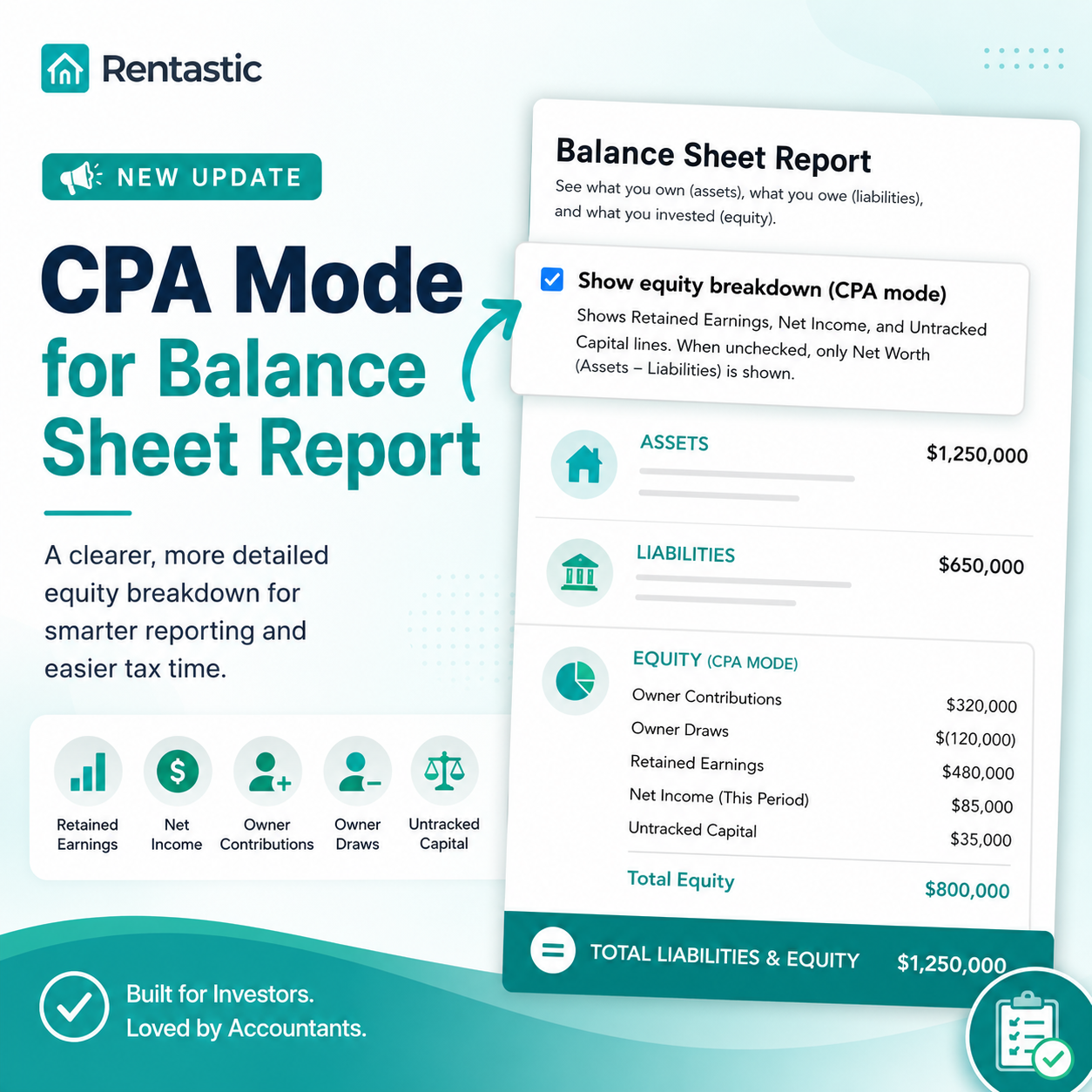
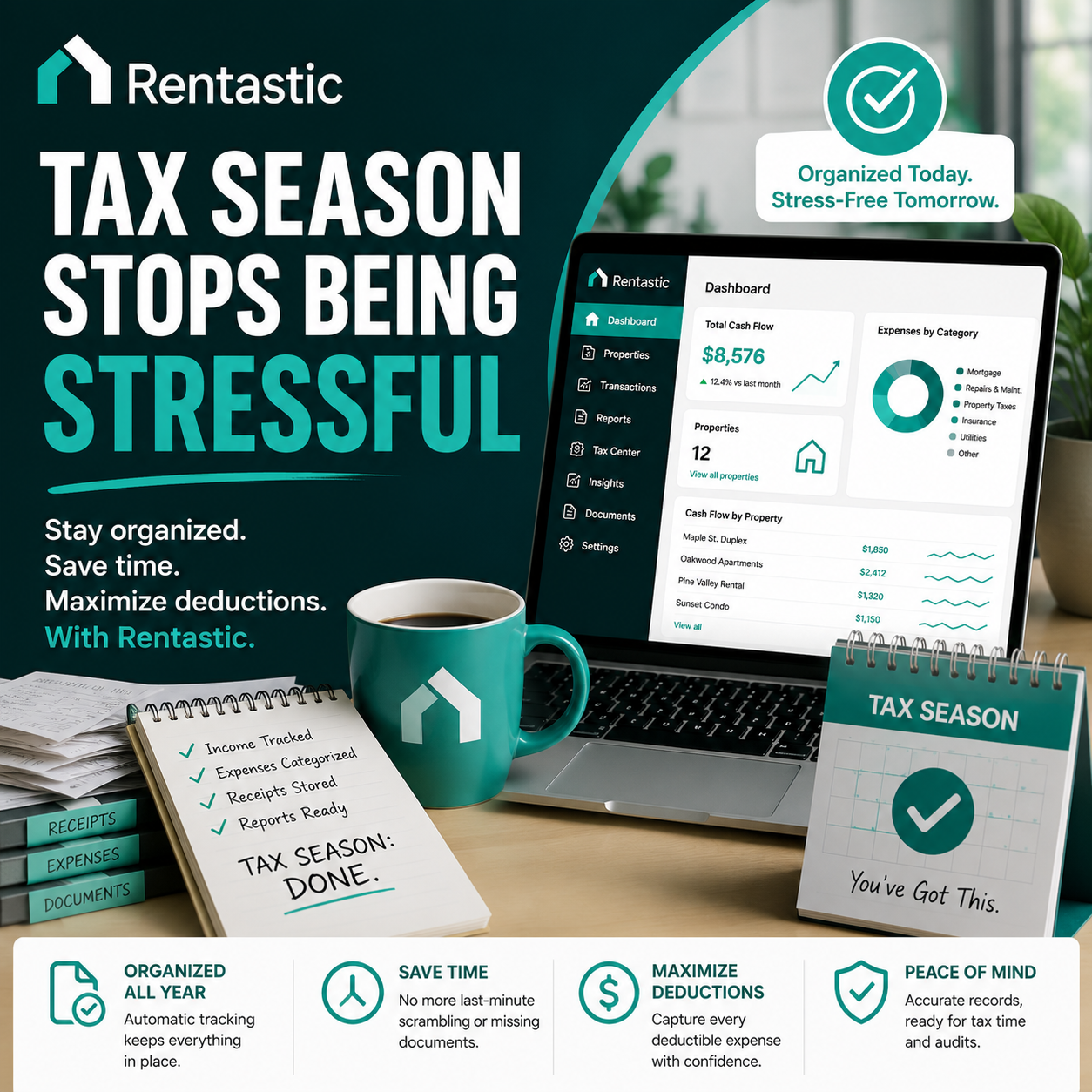
Rentastic provides tax ready financials and detailed property performance reports automatically. The system can generate profit and loss and cash flow reports with a single click, consolidating income, expenses, and profitability across all units (Rentastic). That saves you from reinventing the wheel every time someone needs documentation.
For tax season, automated profit and loss statements give you and your accountant a clear picture of income and expenses per property or as a portfolio (rentastic.io). Instead of manually collecting data from multiple spreadsheets, you export, review, and you are ready.
When you treat your rentals like a business, clean, consistent reporting is not optional. It is how you unlock better loans, smoother audits, and faster decisions.
Spreadsheets rarely scale gracefully. Add a property, and you add a new tab. Add a bank, and you add new imports and reconciliation work. What works at five doors often breaks at twenty.
Rentastic is built with scaling in mind:
This is one reason Rentastic is often highlighted as the best real estate tracker of 2026. It is not just about what it does today, but how little extra work it adds tomorrow as you grow.
On paper, spreadsheets look free. In practice, they can be expensive in hidden ways. When you assign even a modest hourly value to your time, the hours you spend maintaining your workbook have a real price.
Rentastic currently offers:
Internal studies from Rentastic suggest that switching from spreadsheets to the platform can save real estate investors and landlords over 1,000 dollars per month in labor costs, using a conservative 50 dollars per hour for accounting tasks (Rentastic). That figure will vary for you, but it illustrates how quickly automation can pay for itself if you manage a meaningful number of doors.
For smaller landlords, the free tier and low annual cost of the paid plan let you graduate from spreadsheets without taking on enterprise software pricing.
If you share your rental spreadsheet by email or store it on a shared drive, you are relying on basic file security. Anyone who gets the file often gets full access to sensitive data. You are also responsible for backing up your own work so one corrupted file can set you back months.
Rentastic integrates with banks through Plaid, which is widely used in financial apps and is designed so the platform never stores your bank login credentials directly (Rentastic Blog). Your data lives inside a system that is built around security, controlled access, and automatic backups rather than local files that can be lost, copied, or edited by mistake.
For you, that means less worry about who has the “latest version” or whether your formulas survived a sync conflict.
If you manage properties for clients rather than just for yourself, spreadsheets create another layer of complexity. Each owner might have their own file, template, or preferred format. Consolidating information and providing regular, accurate updates turns into a juggling act.
Rentastic helps property managers deliver high quality financial insights without expanding the admin burden:
If you currently send owners spreadsheet snapshots each month, shifting to automated, standardized reports can become a differentiator in your service.
You do not have to give up spreadsheets completely. There are situations where they still fit:
You have one small rental and only a handful of transactions.
You enjoy building financial models and want maximum control.
You are experimenting with a new strategy and need a quick, temporary tracking method.
In these cases, a simple workbook might remain your starting point. However, as soon as you feel the weight of manual updates, repeated data entry, or reporting requests, it is worth testing a dedicated tool in parallel and comparing the experience.
Many investors use both, with Rentastic as the source of truth for actual transactions and performance, and spreadsheets for modeling scenarios or planning deals.
Putting it all together, the reason many landlords and investors see Rentastic as the best real estate tracker of 2026 comes down to four themes:
You can keep wrestling with spreadsheets and work around their limits, or you can adopt a tool that is purpose built for exactly what you do all year long.
If you are on the fence, you do not need to decide in theory. Keep your spreadsheet for now and connect your bank accounts to Rentastic’s free tier for up to two properties. Let the platform run alongside your current system for a month.
Watch how much less you type, how much faster you see your numbers, and how it feels to have receipts, transactions, and reports in one place. If it saves you time and stress, you will have your answer on whether Rentastic is the best real estate tracker of 2026 for you, not in general, but in the way you actually work.
RECENT POSTS


© 2025 Rentastic
Rentastic is registered as a trademark. Terms and conditions, features, support, pricing, and service options subject to change without notice.








.png)



























.png)































Comments