

Owner statements can feel like a mystery novel. Money goes in, money goes out, reports arrive from your property manager, and you hope it all lines up with your bank balance.
Owner statement reconciliation is how you prove it.
When you build a repeatable reconciliation real estate workflow, you stop guessing and start seeing exactly what is happening with every property. You catch errors before they snowball, protect your cash flow, and go into tax season without the annual panic.
This guide walks you through what owner statement reconciliation is, why it matters, and how to do it step by step, with and without automation tools like Rentastic. By the end, you will have a clear playbook you can run every month in under an hour.
In real estate, reconciliation simply means comparing what your records say should have happened with what actually hit your bank and credit card accounts.
For owner statement reconciliation, that means you compare:
The goal is not to nitpick every penny out of curiosity. It is to make sure income and expenses are complete, accurate, and properly categorized so you can trust your numbers.
A 2025 guide from Rentastic describes real estate reconciliation as the essential process of comparing bank and credit card statements to accounting records for rental properties so your financial reports are truly trustworthy and your investment decisions are smarter (Rentastic.io Blog). That is the foundation of effective reconciliation real estate workflows.
When you reconcile every month, you:
Skipping this step is like driving a car with a cracked windshield. You might move forward, but your view is distorted and the risks pile up.
If you work with a property manager, the owner statement is your primary window into each property. It shows rent received, fees, repairs, and what was paid out to you.
Owner statement reconciliation is the step where you verify that window is clean.
According to Rentastic, owner statement reconciliation involves comparing property manager reports with your actual bank, credit card, and internal records to protect cash flow, avoid tax surprises, and maintain healthy investor relationships (Rentastic.io Blog).
When you build this into your monthly routine, three big benefits show up.
Missed rent, double charged repairs, or fees that were never agreed to can quietly drain thousands from your portfolio over a year.
Monthly reconciliation in real estate investing means comparing bank and credit card statements with your accounting records to catch missing rent payments, duplicate charges, and miscategorized expenses so your tracking stays accurate each month (Rentastic.io Blog). In practice, you stop leaks before they become expensive.
Rentastic’s data shows that landlords who stay organized with rental expense reconciliation avoid losing between 600 and 1,200 dollars each year in unclaimed tax deductions. That is money that drops straight to your net cash flow without raising rents or cutting services (Rentastic.io Blog). Owner statement reconciliation is a big part of catching those deductible items.
If you only discover issues when your CPA is asking for documents, you are already late.
A 2024 Rentastic survey found that 22 percent of landlords lost thousands in tax deductions because they mixed up repairs and improvements when they categorized expenses (Rentastic.io Blog). Owner statement reconciliation is when you correct those mistakes and make sure each transaction lands in the right bucket.
Landlords who maintain monthly reconciled books and generate profit and loss reports feel 25 percent more confident in their tax position, and often avoid those 600 to 1,200 dollars in missed deductions, while also reducing CPA fees with cleaner records (Rentastic.io Blog).
You are not just saving money. You are saving the mental overhead of sorting a year’s chaos in March.
Clean, reconciled books are a quiet superpower when you:
Maintaining a consistent reconciliation habit means you can quickly show clear cash flow, accurate performance metrics, and disciplined financial management. Rentastic notes that this kind of regular reconciliation does not just help you internally. It also builds trust with lenders and partners who want proof that you run a tight ship (Rentastic.io Blog).
When you can pull a reconciled profit and loss statement in minutes, conversations with banks and partners become much easier.
Reconciliation real estate workflows can look complex on paper, but in practice you cycle through the same key items every month.
Here is what you should include in your owner statement reconciliation checklist.
Start with income. The most common and costly mistakes are missing or misapplied rent payments.
Compare, for each property:
Monthly reconciliation, especially when integrated with online rent payments, lets you detect and follow up on payment issues much faster. Rentastic reports that automated reconciliation plus integrated online rent payments can reduce late payments by 25 percent (Rentastic.io Blog).
If your property manager uses different timing or holds funds briefly, note that pattern so you can still match expected and actual deposits.
Next, walk through every operating expense listed:
Your goal is to confirm three things:
Rental expense reconciliation in real estate investing means comparing transactions line by line in amount, date, and category, then fixing discrepancies so your books are clean and your profits accurate, with fewer tax season surprises (Rentastic Blog).
This is where many landlords lose money.
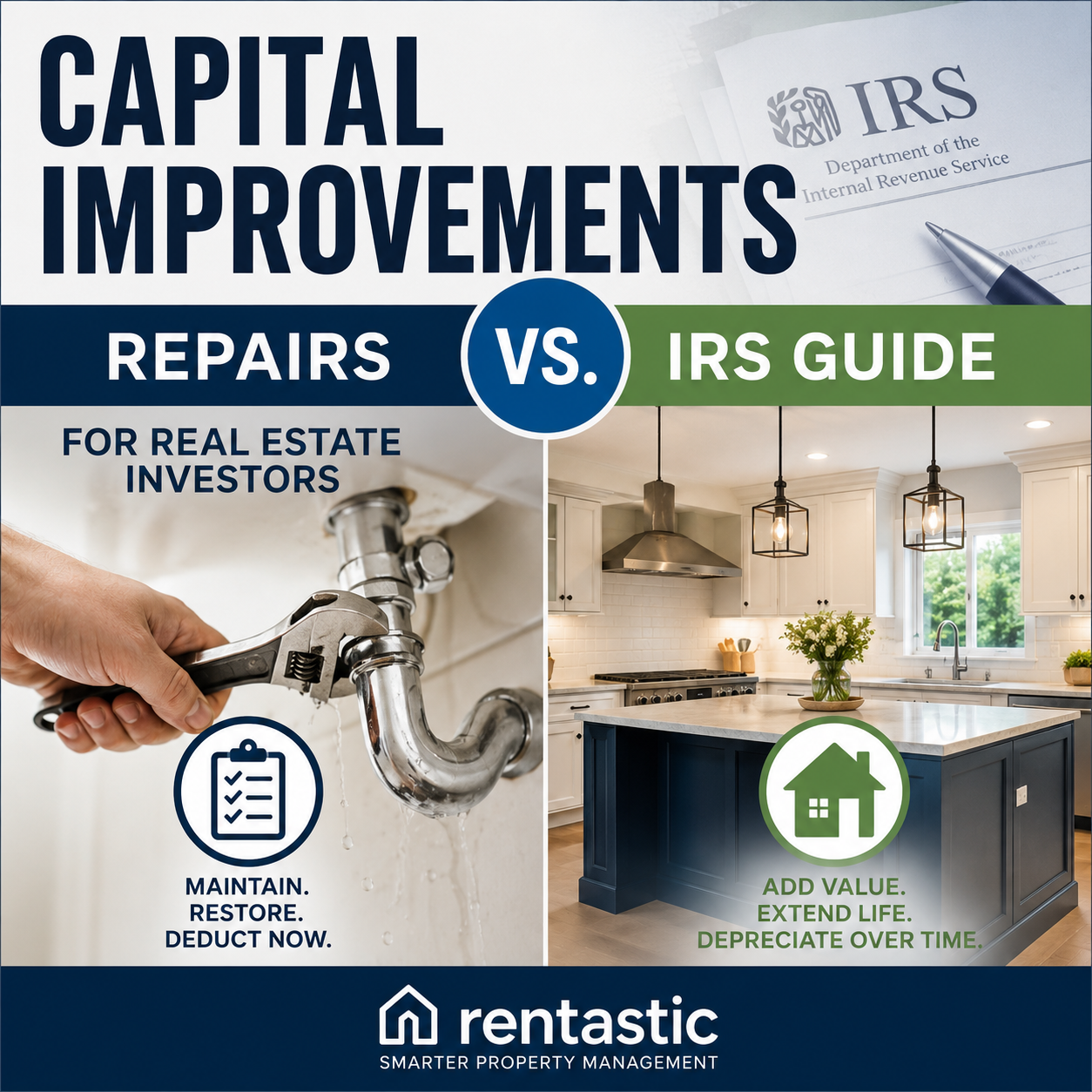
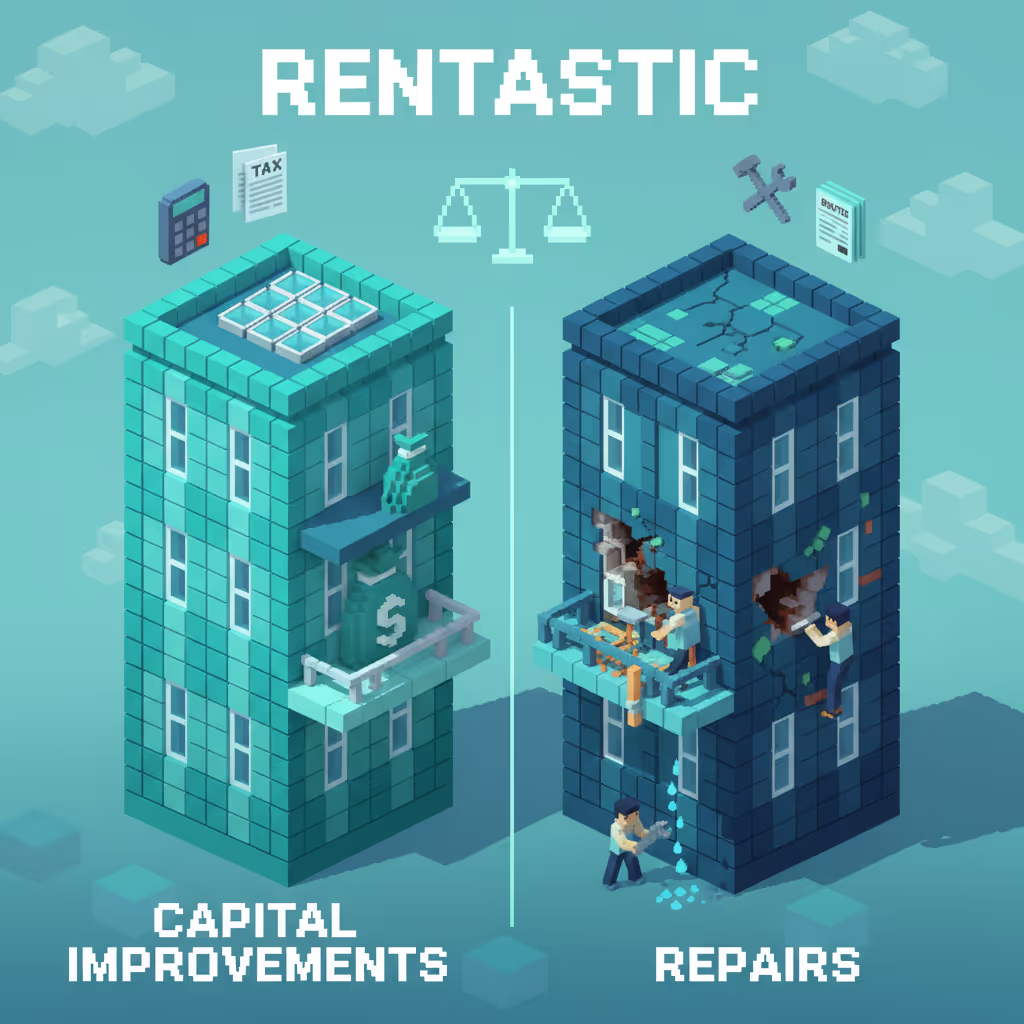
Repairs are generally deductible in the year you incur them. Capital improvements, such as a new roof or a room addition, usually need to be capitalized and depreciated over time.
The 2024 Rentastic survey that showed 22 percent of landlords lost thousands in tax deductions did so largely because they miscategorized repairs and improvements (Rentastic.io Blog).
During owner statement reconciliation, flag any large or unusual line items like:
Discuss these with your CPA or tax advisor if you are unsure how to treat them. Getting this classification right during reconciliation is far easier than reworking it under a tax filing deadline.
Property management fees are usually straightforward, but you still want to confirm:
Owner statement reconciliation is your chance to build a transparent relationship with your property manager. If you see a pattern of unexplained fees, you can address it early, with clear documentation in hand.
If your manager holds reserves for repairs or if your lender manages tax and insurance escrows, reconcile those balances too.
You want to see that:
Automating bank and escrow account syncing with tools like Rentastic can reduce manual data entry by up to 40 percent and cut monthly reconciliation time by 50 percent (Rentastic.io Blog). That makes it feasible to reconcile these accounts every month instead of once a year.
Finally, confirm that the net amount the owner statement says was distributed to you actually landed in your bank account.
If you contribute capital for major work or to cover a shortfall, log and reconcile those contributions too so you can track return of capital and investor equity accurately.
Now let us turn this into a simple routine you can run each month. The exact tools might vary, but the sequence is the same.
For each property or portfolio, collect:
If you use software designed for reconciliation real estate, like Rentastic, connect your bank and credit card accounts. Rentastic reports that landlords who link their bank accounts and use profit and loss statements spend 30 percent less time on accounting compared with spreadsheet users (Rentastic.io Blog). That time savings is what makes monthly reconciliation sustainable as your portfolio grows.
Start with income because that is where errors hit your pocket fastest.
For each rent payment or income item on the owner statement:
If you use accounting software, you can usually filter by property and month, then verify that total income equals what the owner statement shows and what cleared the bank.
If something does not match, note it in a reconciliation log so you can follow up with your property manager or your bank.
Next, move to expenses.
Work through the owner statement and, for each expense:
This is your moment to apply what Rentastic calls rental expense reconciliation. Comparing transactions line by line on amount, date, and category leads to cleaner books and more accurate profit numbers, and it avoids tax season surprises (Rentastic Blog).
As you check expenses, highlight any that might be capital improvements.
Ask yourself:
If the answer is yes, treat it as a candidate for capitalization and depreciation. Since misclassification here is where 22 percent of landlords lose thousands in deductions, according to Rentastic, it is worth a quick note to your CPA to confirm the right treatment (Rentastic.io Blog).
Document your decision in your reconciliation notes so you or your accountant can see your reasoning at tax time.
Look at any reserve or escrow balances listed on the owner statement.
For each reserve account:
If your reserves are held in a separate bank account, reconcile that account too. Automation tools like Rentastic can sync multiple accounts and cut reconciliation time by around half in many real estate portfolios (Rentastic.io Blog).
You are now ready for the big picture check.
Take the total income, subtract total expenses and fees, factor in reserve changes, and see if that equals:
If those numbers match, you can sign off the month as reconciled.
If they do not, go back to your reconciliation log and work through the gaps. Often, the issue is a timing difference, a missing transaction, or a misapplied payment that your property manager can quickly explain or correct.
Before you move on, save three things:
This documentation is what makes an audit, lender review, or partner meeting much less stressful. It also gives you a playbook you can hand to a bookkeeper or VA as you grow.
Manual reconciliation in spreadsheets can work when you have one or two doors. Once you scale, it becomes a drag on your time and attention.
Automation is how you keep reconciliation real estate workflows tight without turning yourself into a full time bookkeeper.
Using automation tools like Rentastic, real estate investors can reduce manual data entry by up to 80 percent and cut reconciliation time by 50 percent, which can save more than 1,000 dollars per month in labor costs if you value your time at 50 dollars per hour (Rentastic.io Blog). That shift alone transforms reconciliation from a burden into a manageable habit.
Rentastic’s automated rules engine can eliminate up to 70 percent of manual transaction tagging for income and expenses, standardizing categories and accelerating reconciliation, while enabling real time dashboards that support faster portfolio decisions (Rentastic.io Blog).
Instead of typing vendor names and categories repeatedly, you review and approve suggested matches, then focus on the exceptions that actually need your judgment.
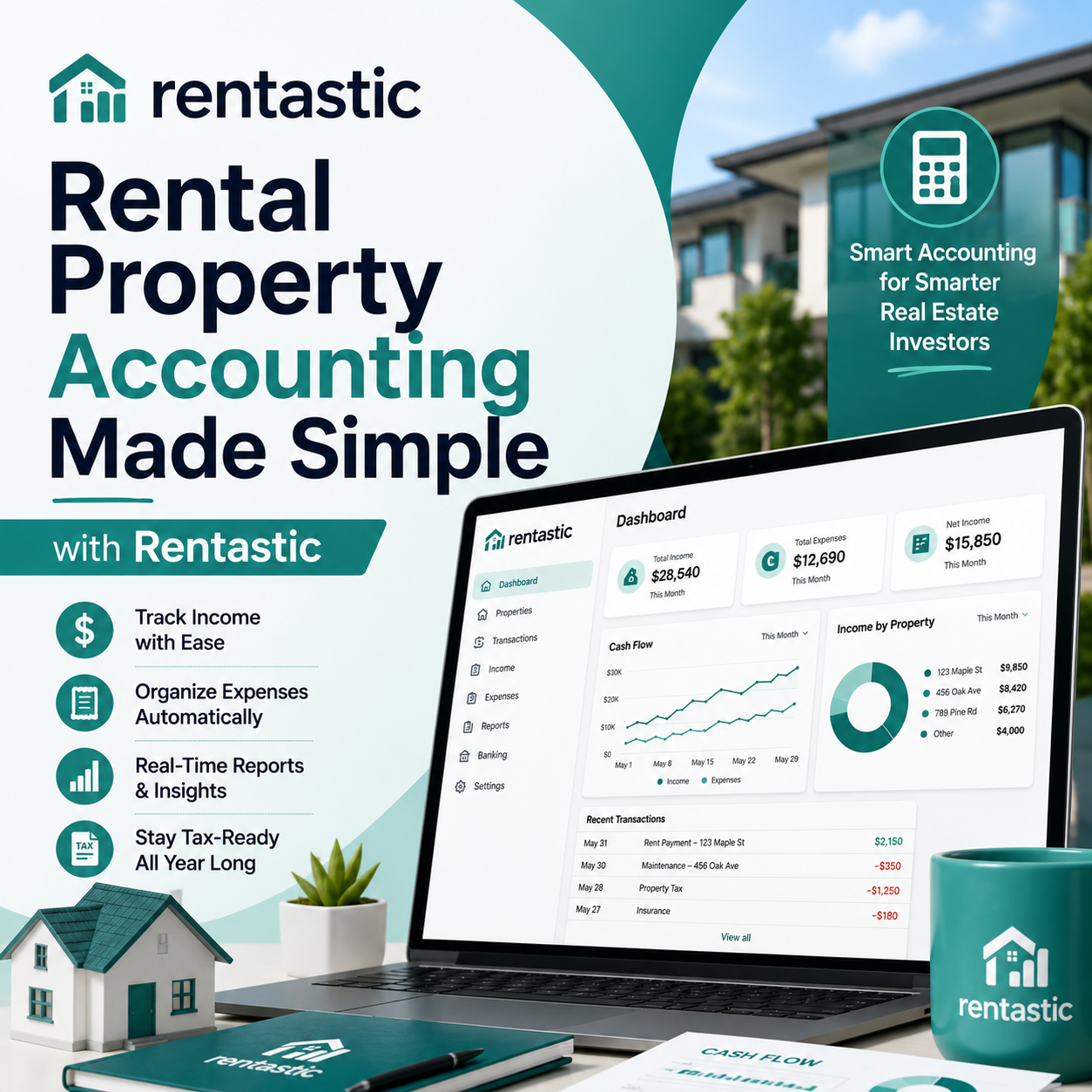
When you connect your bank accounts and let the system produce property specific profit and loss statements, you get immediate clarity.
Rentastic highlights that landlords who link bank accounts and use automated P&L statements spend about 30 percent less time on accounting than spreadsheet users (Rentastic.io Blog, Rentastic Blog). Automated rental income and expense tracking can reduce your accounting workload by more than 60 percent, freeing you up to grow your portfolio instead of maintaining spreadsheets (Rentastic.io Blog).
That means you can quickly see:
This is the kind of visibility that supports smart scaling.
Regular reconciliation with automation is also a security tool.
Rentastic notes that regular reconciliation helps landlords catch fraud, errors, and unauthorized transactions early, optimize tax planning by identifying deductible expenses precisely, and maintain clean, tax ready records that reduce stress during tax season (Rentastic.io Blog).
Because transactions sync in near real time, unusual charges or missing rent payments stand out quickly. You do not have to wait until month end or quarter end to find out something went wrong.
Rentastic’s research shows that automating data entry and using real estate specific software can save over 60 percent of bookkeeping time during reconciliation. It also shifts your role from bookkeeper to decision maker (Rentastic Blog).
Instead of building reports, you are reading them. Instead of hunting for numbers, you are using them to:
This is exactly what a well designed reconciliation real estate process should support.
Reconciliation is not paperwork for its own sake. It is the small monthly habit that gives you the confidence to make big portfolio moves.
As you refine your process, watch out for these patterns that quietly erode profits and peace of mind.
If you only reconcile once a year, you face:
Maintaining a consistent monthly reconciliation routine with software generated P&Ls and real time dashboards lets you monitor cash flow, track income and expenses per property, and make informed portfolio decisions in real time (Rentastic Blog).
Short sessions every month beat a painful marathon at tax time.
A 30 dollar mismatch might seem trivial, but it often signals:
If you ignore small discrepancies repeatedly, they compound. Build a rule for yourself. Any mismatch gets investigated and resolved before you mark the month as reconciled.
If your owner statements:
Then reconciliation becomes guesswork.
You are allowed to ask for better reporting. Clear, property level owner statements with line item detail make reconciliation real estate workflows faster and more accurate, and they protect both you and your property manager.
We already touched on repairs vs improvements, but there are other categories that matter too, such as:
Accurate categorization during reconciliation is critical because misclassification is a key reason 22 percent of landlords lose thousands in tax deductions. Rentastic’s automated categorization can eliminate up to 70 percent of manual tagging tasks, which makes proper categorization easier to sustain (Rentastic.io Blog).
You do not need to become a CPA to run clean, reconciled books. You just need a simple, repeatable routine.
Here is a quick way to start:
As you streamline with automation, you will likely find that real estate reconciliation for your whole portfolio fits into a single monthly session.
Landlords who keep monthly reconciled books, generate regular profit and loss reports, and lean on automation report more confidence in their tax position, lower stress at year end, and better relationships with lenders and partners (Rentastic.io Blog, Rentastic.io Blog).
Your next step is simple. Choose one upcoming statement, schedule a 45 minute reconciliation block, and run through this checklist. You will see very quickly how owner statement reconciliation stops small errors before they cost you thousands and gives you a clear, honest picture of how your portfolio is really performing.
RECENT POSTS


© 2025 Rentastic
Rentastic is registered as a trademark. Terms and conditions, features, support, pricing, and service options subject to change without notice.










.png)




























.png)































Comments